Logo
  • Home
  • Services
    • Clipping Path
    • Shadow Effect
    • Mirror Effect Service
    • Photoshop Image Masking
    • High End Photo Retouch
    • Photo Manipulation
    • Photo Restoration Service
    • E-commerce Solution
    • Vector Conversion
    • Logo Design
    • Desktop Publishing Service
  • Samples
  • Pricing
  • Payment
  • Free Trial
Logo

Photoshop Image Masking

Hair Masking


Transparent Masking


Hair Masking
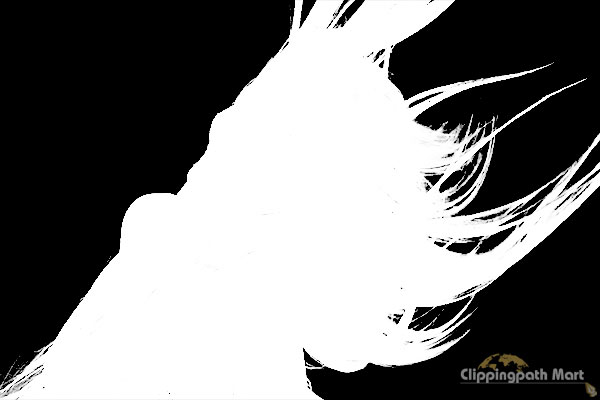
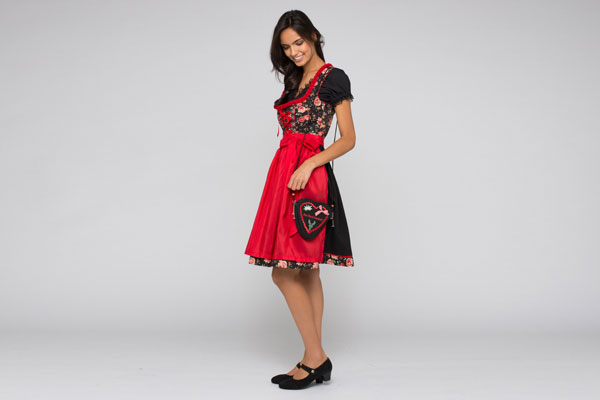
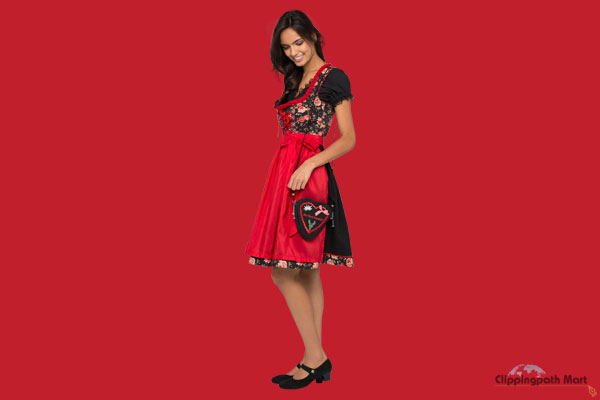
You own an image that has an object or a person with flowing, wild or flyaway hair. However you wish to change the background behind the object or person. But you are not sure how you will do that. Photoshop hair masking will be the best solution then. Feel free to contact us, we are a team of professional Photoshop experts who are very trusted in hair masking.  
Transparent Masking
This method can be utilized to blur a picture out of spotlight shading or another picture, content and so on. We can easily do this by doing following steps: 1. Open or create a new Photoshop file. 2. Click on the layer you want to mask. 3. Select the area that will remain visible. 4. Click on “Add Layer Mask” icon. 5. Save the changes.


Alpha Masking


Hair Masking


Alpha Masking
In computer graphics, alpha masking is the way toward joining a picture with an alternate foundation to make the presence of halfway or full straightforwardness. It is regularly valuable to render picture components in various passes and after that consolidate the subsequent numerous 2D pictures into a solitary, final image is called the composite.


  • About
  • Contact
  • Blog
  • Terms and Condition
  • Privacy Policy
  • Services
SERVICES

  • Clipping Path
  • Shadow Effect
  • Mirror Effect Service
  • Photoshop Image Masking
  • High End Photo Retouch
  • Photo Manipulation
  • Photo Restoration Service
  • E-commerce Solution
  • Vector Conversion
  • Logo Design
  • Desktop Publishing Service


Subscribe to Receive free product photography and E-commerce tips

Clipping Path Mart © 2026 All rights reserved. Developed by FSIT

  •